Gypsy Tarot
Discover the secrets of the 36 mystical cards
Select 3 cards that call to you
0
/
3
The cards reveal your destiny...
Discover the secrets of the 36 mystical cards
Select 3 cards that call to you
The cards reveal your destiny...
Explore Gypsy Tarot with 36 original illustrated cards. Enter your question, choose three cards and receive a combined AI reading.
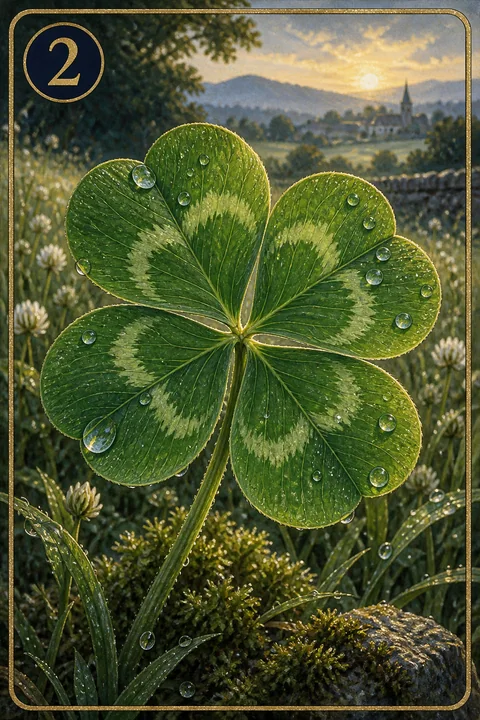
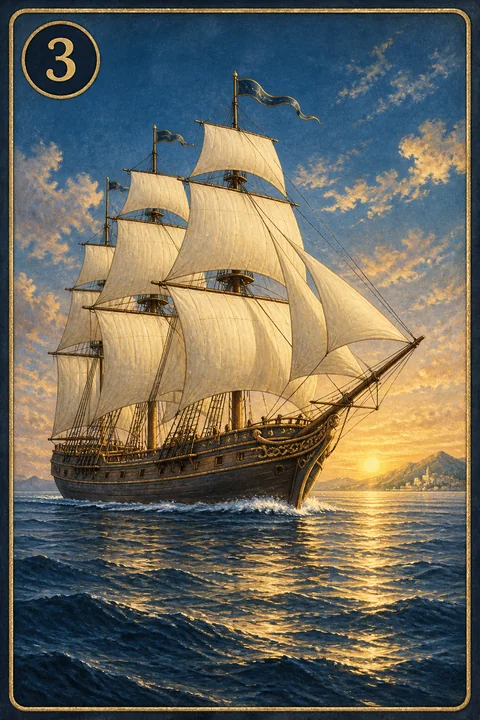
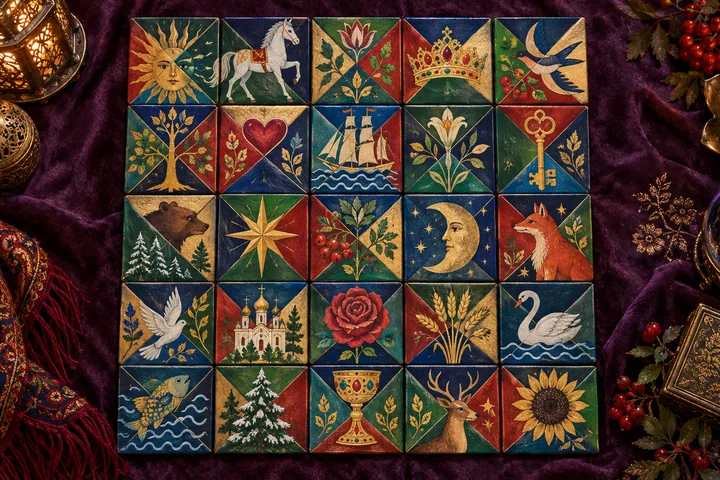
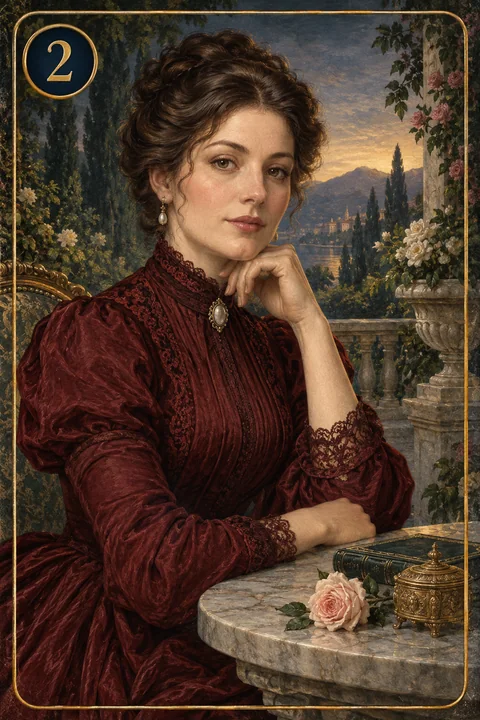
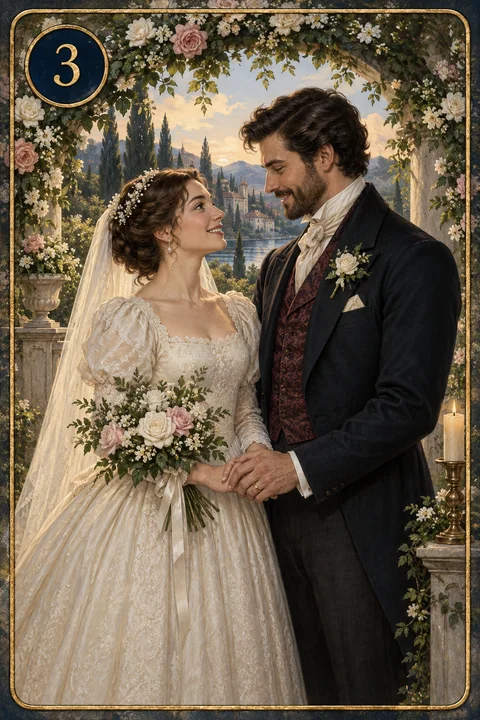
Gypsy Tarot brings together 36 original cards depicting people and everyday scenes. The images represent encounters, relationships, changes and opportunities. The reading connects your three chosen cards with your question.
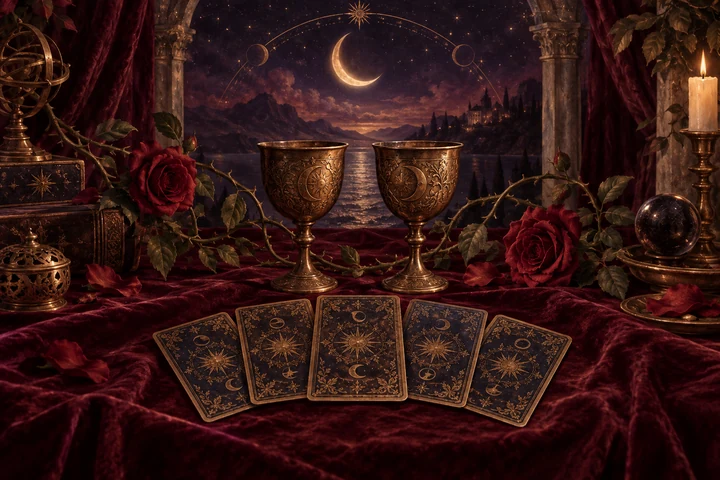
Enter a question about the matter on your mind and choose three facedown cards. When the animation finishes, their images and names appear alongside one combined answer. Cards are read in your selection order; the positions do not stand for past, present and future.
Imagine Pleasant letter, Meeting and Work and occupation. News, a meeting and an occupation create a thread about exchange and activity. For a project question, explore which communication opens collaboration and which task sustains it. The example links scenes without announcing actual news.