
✦ ✧ ✦ ✧ ✦ ✧ ✦

Péndulo Online

El oráculo del movimiento eterno

0/300
⸻ ✦ ⸻

⸻ ✦ ⸻

The pendulum randomly selects yes, no or maybe and represents the result through its movement.

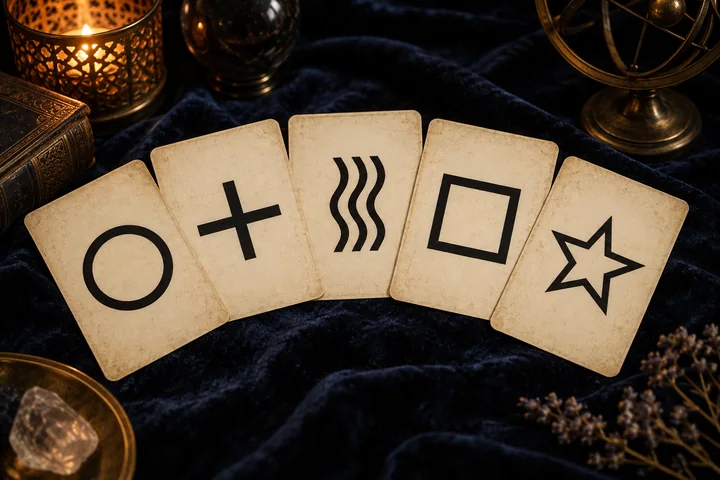
Approach the symbols calmly: observe the image and find the nuances that speak to your question.

The reading and its nuances

The pendulum visually represents yes, no or perhaps. Its movement accompanies the application's selected result. Use the motion as part of the reading's pause, then give the answer your attention.

How this consultation works

The pendulum randomly selects yes, no or maybe and represents the result through its movement. The question is optional and does not change the draw; no AI is consulted.

An example reading

Ask one question, such as whether you want to reserve time to finish a task. If perhaps appears, explore which condition would help you decide. The motion does not read your body, surroundings or an absent person.

Frequently Asked Questions

Do my question or the movement alter the draw?
The optional question does not change the probabilities. This version keeps 40% yes, 35% no and 25% perhaps. Movement represents the result rather than a physical measurement.
How can I focus the consultation?
Choose one subject and a clear question. If the tool has no question field, keep it as a personal reference. Connect the symbol with a specific situation and note both what fits and what remains open.
Can a new consultation give a different result?
Yes. A new draw may select different symbols. The same symbol, language and position keep their catalogue text; combinations also depend on the other pieces. The pauses accompany the experience without changing the meaning.
How can I connect the reading with real life?
Separate the symbol from what you know through experience. Use its contrast to ask a question or explore a possibility; examples illustrate a reading without certifying facts or fixing the future.
Can I keep the result and add notes?
Use Save reading once the result is complete. In My readings you can reopen it, add notes and download it as text. Data stays in this browser; use the library backup if you want to keep it when changing devices.

Understand the symbols in your reading